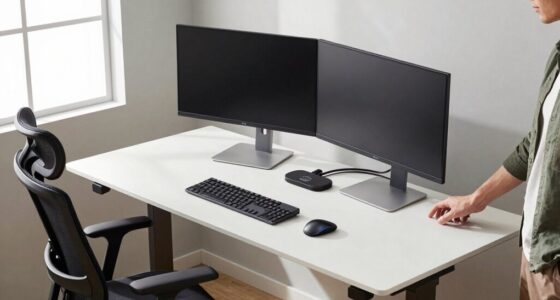
A 4K monitor enhances your workspace with sharp visuals, vibrant colors, and detailed clarity, making it easier to focus and work efficiently. With high resolution, you can see fine details clearly, reducing eye strain and fatigue during long tasks. Its size allows for smoother multitasking and better organization of windows. Plus, ergonomic features help you stay comfortable all day. To discover how these benefits combine to boost your productivity, keep exploring further.
Key Takeaways
- High-resolution 4K monitors provide sharp, detailed visuals that improve readability and reduce eye strain during extended work sessions.
- They enable better multitasking by offering ample screen space for multiple windows and complex workflows.
- Superior color accuracy and clarity enhance the quality of visual tasks like graphic design and data analysis.
- Adjustable ergonomic features promote proper posture, reducing fatigue and supporting long-term comfort.
- Overall, 4K monitors enhance work efficiency and output quality through clearer visuals and improved workspace organization.
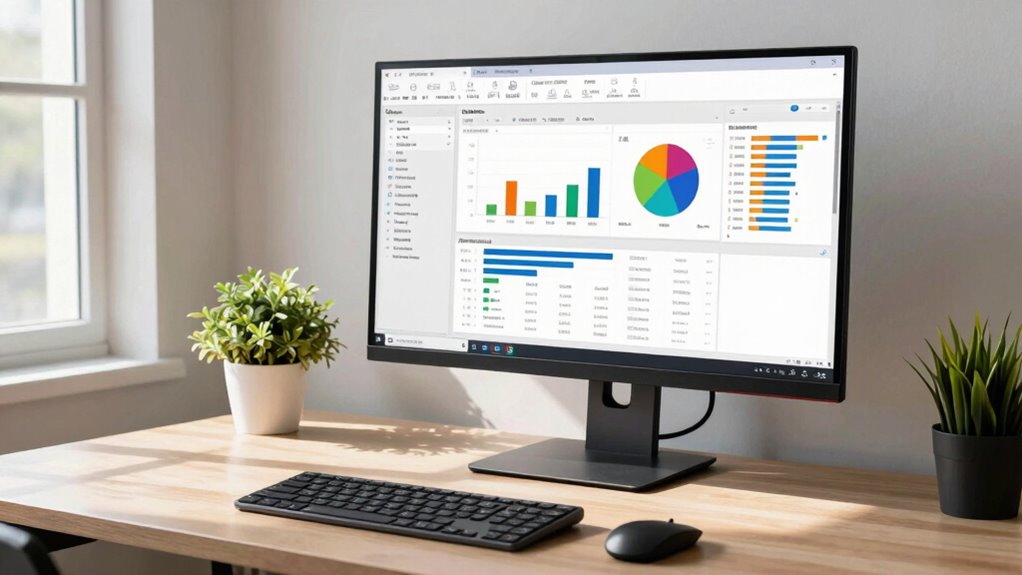
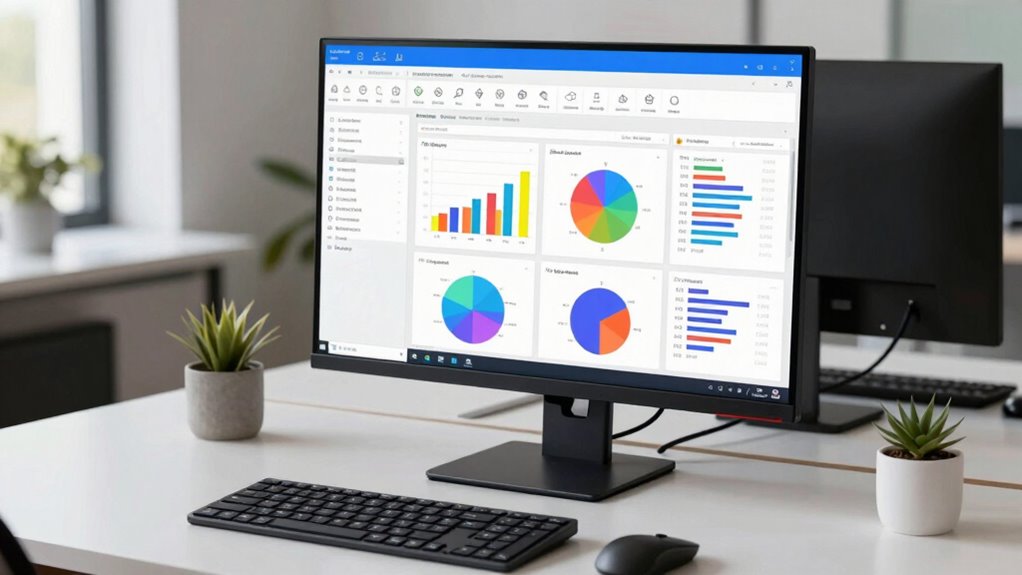
Have you ever wondered how your workspace could boost your productivity? Upgrading to a 4K monitor might be the game-changer you’re looking for. High-resolution screens provide incredible detail, making it easier to see every icon, document, or spreadsheet clearly. This clarity reduces eye strain and minimizes the need to squint or zoom constantly. When your monitor offers excellent color accuracy, you get true-to-life visuals that help you distinguish subtle differences in images, graphs, or presentations. Accurate colors mean you can work more precisely, especially if your job involves graphic design, data analysis, or content creation. It’s a small detail that can notably improve your output quality.
A 4K monitor enhances clarity, reduces eye strain, and improves precision for better productivity and output quality.
Beyond visual sharpness, a 4K monitor with ergonomic design features ensures that your workspace remains comfortable throughout long work hours. Adjustable stands, tilt options, and height customization let you position the screen perfectly to match your eye level and sitting posture. This reduces neck and back strain, keeping you focused and energized rather than tired or distracted by discomfort. When your monitor is ergonomically designed, it encourages good posture, which can improve your overall health and prevent common work-related injuries. Additionally, ergonomic design can help you maintain proper alignment, reducing fatigue during extended periods of use. Plus, the larger screen real estate on a 4K display allows you to multitask more efficiently. You can have multiple windows open side-by-side without constantly switching between tabs or sacrificing clarity. This boosts your workflow and saves valuable time.
The high pixel density of a 4K monitor also enhances your ability to work with detailed images or complex spreadsheets. Fine text remains crisp and easy to read, decreasing eye fatigue and improving your accuracy. When you’re reviewing detailed reports or editing high-resolution images, the sharpness and color fidelity make a noticeable difference. Additionally, a 4K monitor’s expansive display can help you organize your workspace better, reducing clutter and streamlining your tasks. You’ll find it easier to focus on your work without the distraction of overlapping windows or blurry visuals. Moreover, the high pixel density of 4K monitors is crucial for tasks requiring precise visual detail, which directly impacts your work quality and efficiency.
Investing in a 4K monitor isn’t just about upgrading your tech; it’s about transforming your entire work experience. Clearer visuals, better ergonomic support, and increased productivity all come together to create a workspace that works for you. When your tools are optimized, you’ll notice how much more efficient and comfortable your workday becomes. It’s an investment that pays off by helping you stay productive, reduce fatigue, and produce higher-quality results every day.
Frequently Asked Questions
Are 4K Monitors More Budget-Friendly Than Before?
Yes, 4K monitors are more budget-friendly than before. Thanks to affordability trends, you now find a range of budget options that offer high resolution without breaking the bank. Prices have dropped considerably, making it easier for you to upgrade your workspace with quality 4K displays. You no longer need to spend a fortune to enjoy crisp images and enhanced productivity, making these monitors accessible for more users.
How Do 4K Monitors Impact Eye Strain During Long Work Hours?
You might think 4K monitors increase eye strain, but they actually improve viewing comfort if you adjust settings properly. Their high resolution enhances color accuracy, reducing the need to squint or strain your eyes during long hours. By providing sharp images and better clarity, 4K screens help minimize eye fatigue, making extended work sessions more comfortable. Proper calibration guarantees you get the most benefit, keeping your eyes healthier and less tired.
Can Existing Computers Handle 4K Monitor Output Effectively?
Your existing computer can handle 4K monitor output if it has compatible hardware, such as a capable graphics card, and supports resolution scaling. Check your system specifications to make sure your GPU can manage the high resolution smoothly. If needed, update your drivers or consider hardware upgrades. Proper hardware compatibility and resolution scaling guarantee you get a crisp display without lag, enhancing your productivity and visual experience.
Do 4K Monitors Require Special Graphics Cards?
You’re playing with fire if you think all graphics cards can handle 4K monitors. While many modern GPUs meet display resolution requirements, you need to check graphics card compatibility to guarantee smooth performance. Some older cards might struggle with the high pixel count, causing lag or display issues. Investing in a capable graphics card ensures your 4K monitor runs flawlessly, so don’t cut corners on this essential component.
Are There Size Limitations for Effective 4K Monitor Use?
There are size considerations for effective 4K monitor use, especially with resolution scaling and ergonomic design. Larger screens, like 27 inches or more, help you fully appreciate 4K clarity without straining your eyes. Smaller monitors can still work but might require scaling adjustments to keep text and icons sharp. Prioritize ergonomic features to guarantee comfort during long work sessions, and choose a size that balances visual clarity with your workspace.
Conclusion
In the world of office work, a 4K monitor is like upgrading from a blurry camera to a crystal-clear lens — everything becomes sharper, more detailed, and easier to see. It’s your window to a more efficient, less frustrating workspace. When you invest in a 4K monitor, you’re not just enhancing your screen—you’re opening the door to better focus, faster multitasking, and a smoother workflow. It’s the clear view you need to succeed.