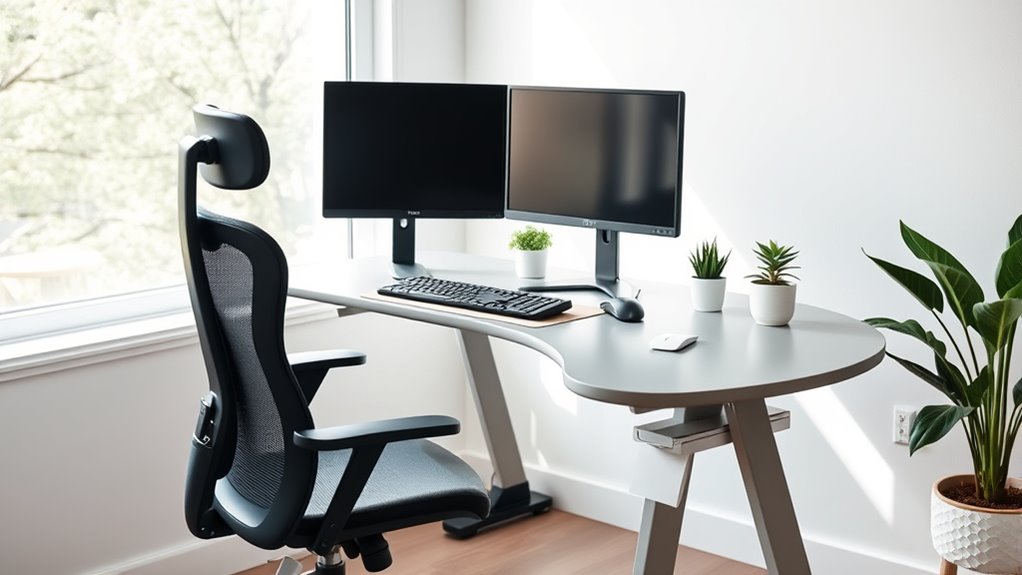

Many myths about ergonomic desk setups are misleading. For example, the desk height shouldn’t always be eye level, and an adjustable chair alone isn’t enough for comfort. Standing desks can be beneficial if used correctly, and lumbar support is essential for a healthy back. Proper device placement and foot support matter too. Understanding these facts helps you create a truly ergonomic workspace. Keep exploring to learn how to set up your desk for maximum comfort and health.
Key Takeaways
- Proper ergonomic setup involves adjusting desk height, monitor position, and chair support to fit individual body needs.
- An adjustable chair with lumbar support is essential, but must be correctly configured for optimal posture.
- Keeping wrists neutral with proper keyboard and monitor placement reduces strain and prevents repetitive injuries.
- Ergonomic accessories are customizable and should be tailored to individual body size and work habits for maximum benefit.
- Standing desks promote movement and circulation, but proper use and alternating between sitting and standing are key for effectiveness.
The Correct Desk Height Is Always Eye Level
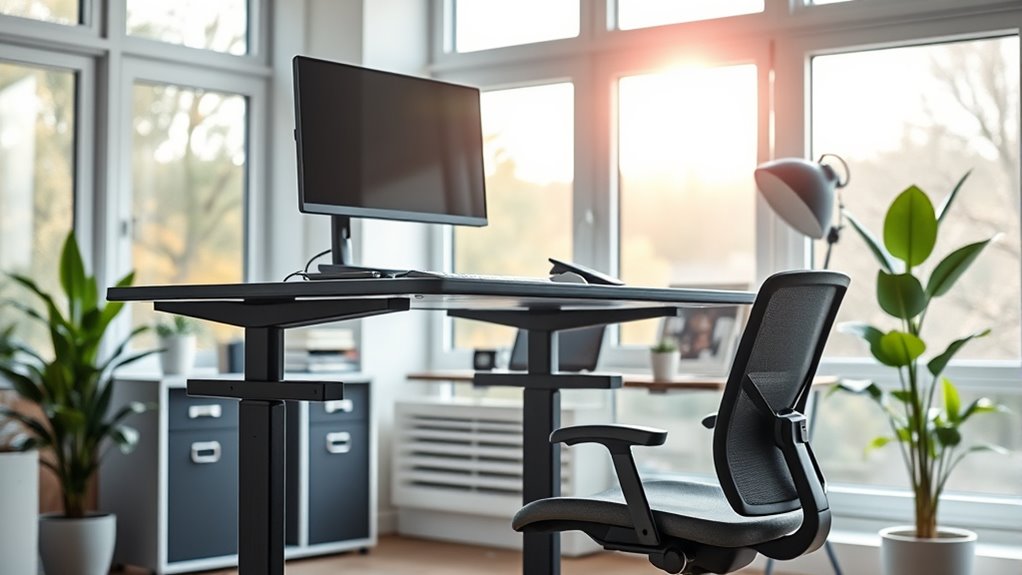
Many people believe that the ideal desk height is always at eye level, but this isn’t necessarily true. Your desk height should be set so that your forearms are parallel to the floor when typing, which helps reduce strain. If your desk is too high or too low, it can cause discomfort or poor posture. While eye level is important for monitor positioning, it doesn’t dictate your entire desk setup. Instead, focus on maintaining a comfortable arm angle and relaxed shoulders. Adjusting your desk height to fit your body ensures proper ergonomics and minimizes fatigue. Remember, the goal is to create a workspace that supports natural posture rather than adhering rigidly to the idea that the desk must be at eye level.
An Adjustable Chair Is Enough for Ergonomics

While an adjustable chair is a crucial component of ergonomic setup, relying on it alone isn’t enough to prevent discomfort or injury. Your office aesthetics and desk material also impact comfort and posture. A well-chosen chair supports your back, but proper positioning and workspace arrangement matter equally. Consider how your desk’s surface and material influence your ergonomics, as a smooth, stable surface reduces strain.
| Factor | Importance | Tips |
|---|---|---|
| Office Aesthetics | Promotes a comfortable environment | Choose calming colors, clutter-free layout |
| Desk Material | Affects comfort and stability | Opt for smooth, sturdy surfaces for better ergonomics |
| Chair Adjustment | Supports proper posture | Set height, lumbar support, and armrests correctly |
| Workspace Layout | Ensures efficient movement | Keep essentials within reach |
| Overall Setup | Prevents discomfort and injury | Integrate all elements for a balanced ergonomic fit |
Standing Desks Are Better Than Sitting All Day

Standing desks offer a dynamic alternative to sitting all day, encouraging movement and reducing the risks associated with prolonged sitting. When you switch to standing desks, you break up long periods of inactivity, which can improve circulation and energy levels. Sitting all day increases the likelihood of back pain, poor posture, and even health issues like heart disease. By using a standing desk, you can easily alternate between sitting and standing, promoting better posture and reducing strain on your back. It’s not about standing all day, but rather about creating a more flexible workspace that keeps you active. This approach helps combat the negative effects of a sedentary lifestyle, making standing desks a smart choice for healthier work habits.
Lumbar Support Is Essential for a Healthy Back
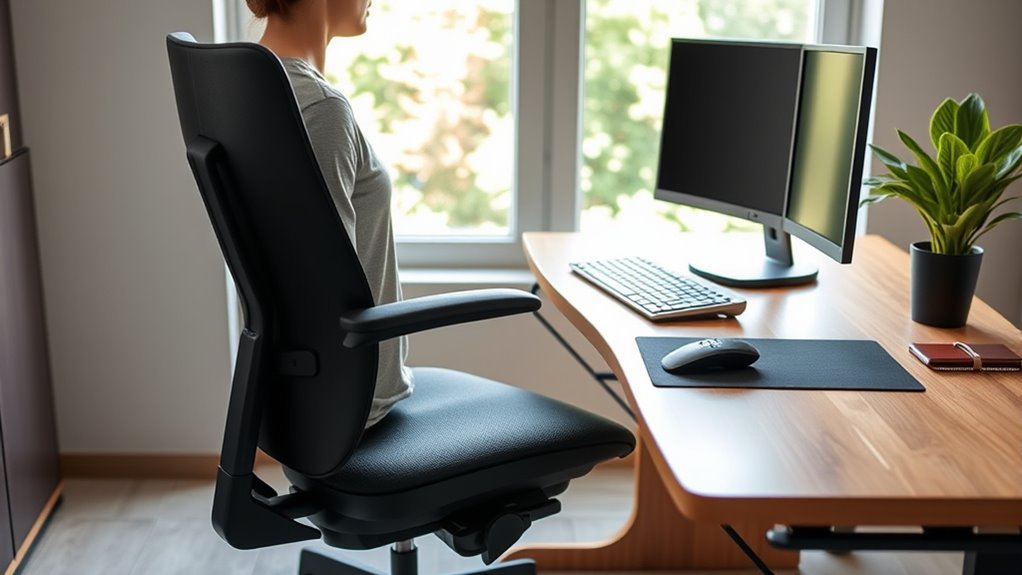
Using lumbar support helps keep your lower back properly aligned, reducing strain. It also prevents poor posture that can lead to long-term issues. By supporting your lower back, you protect against disc problems and discomfort during long hours at your desk.
Supports Lower Back
Many people believe that supporting the lower back is optional, but in reality, lumbar support plays a crucial role in maintaining a healthy spine during long hours at your desk. Proper ergonomic support helps reduce strain and prevents discomfort that can lead to chronic issues. Without adequate lower back support, you risk developing poor posture, muscle fatigue, and spinal misalignment. To guarantee you’re providing the best ergonomic support, look for features like adjustable lumbar height, firm padding, and contouring that fit your natural curve. Remember, a well-designed lower back support encourages proper posture, keeps your spine aligned, and minimizes fatigue. Prioritizing this aspect of your ergonomic desk setup can considerably improve comfort and prevent future back problems.
Prevents Posture Issues
Proper lumbar support is essential for preventing posture issues when working at a desk. When your lower back is supported, you’re less likely to slouch or develop discomfort over time. To enhance this, consider how your desk decor and color schemes can promote a healthy environment. Bright, calming colors can encourage focus, while a well-organized workspace encourages better posture habits. Adjust your chair to ensure lumbar support aligns with your lower back’s natural curve. This prevents you from leaning forward or hunching, which can cause long-term issues. Incorporate ergonomic accessories that complement your desk decor, making support both functional and visually appealing. By paying attention to lumbar support and your workspace aesthetics, you actively prevent posture issues and create a healthier, more comfortable work environment.
Reduces Disc Strain
Have you ever felt back pain after a long day at your desk? If so, lumbar support can make a real difference in reducing disc strain. Proper lumbar support helps maintain the natural curve of your spine, preventing unnecessary pressure on your discs. To enhance this, consider a chair with good cushion padding that molds to your lower back. Adjusting your monitor height ensures you don’t lean forward, which can strain your lumbar region. When your setup aligns properly, you reduce uneven pressure on your discs, decreasing discomfort. Remember, an ergonomic chair with lumbar support, proper cushion padding, and correct monitor height all work together to keep your back healthy and minimize disc strain during extended work hours.
Using a Wrist Rest Prevents Carpal Tunnel Syndrome

Using a wrist rest can help keep your wrist aligned naturally, reducing unnecessary strain. It promotes a comfortable position and can prevent repetitive movements that lead to injury. However, understanding how it works is key to making the most of its benefits.
Supports Wrist Alignment Naturally
While wrist rests can help keep your wrists in a more natural position, they don’t necessarily prevent carpal tunnel syndrome on their own. Proper wrist support promotes natural alignment, reducing strain during long hours at your desk. To maximize benefits, consider these tips:
- Maintain a neutral wrist position, avoiding excessive bend or extension
- Use a wrist rest that provides gentle support without forcing your wrist into an unnatural angle
- Take regular breaks to stretch and relieve tension
These practices help align your wrists naturally, reducing stress on the median nerve. Remember, wrist support alone isn’t enough—combining ergonomic tools with good habits ensures better wrist health and minimizes discomfort over time.
Reduces Repetitive Strain
Employing a wrist rest can considerably reduce repetitive strain on your wrists during extended typing sessions. It helps maintain proper keyboard ergonomics by supporting your wrists and keeping them in a neutral position. Proper monitor placement also contributes by aligning your eyes with the screen, reducing unnecessary wrist movements. Using a wrist rest minimizes the risk of carpal tunnel syndrome by preventing excessive bending and pressure on your wrists. Here’s how it benefits you:
| Benefit | Explanation |
|---|---|
| Reduces strain | Keeps wrists in a natural position |
| Prevents fatigue | Less effort needed during long typing sessions |
| Supports ergonomics | Complements monitor placement for better posture |
Incorporating a wrist rest ensures your workspace promotes health and reduces repetitive strain.
Promotes Comfortable Position
A wrist rest helps you maintain a comfortable and neutral hand position, which is essential for preventing carpal tunnel syndrome. When your keyboard layout is ergonomic, and your monitor placement aligns with your eye level, your wrists stay in a natural position. Using a wrist rest encourages proper posture by supporting your wrists during typing, reducing strain. It also helps you keep your hands slightly elevated, preventing unnecessary bending. To maximize comfort, ensure your keyboard is close enough to avoid reaching, and your monitor is directly in front of you to reduce neck strain. Proper placement and support create a balanced workspace, making it easier to type comfortably and prevent long-term injuries.
- Maintains neutral wrist alignment
- Supports ergonomic keyboard layout
- Reduces unnecessary wrist movement
Ergonomic Accessories Are a One-Size-Fits-All Solution

Many believe that ergonomic accessories, like adjustable chairs or keyboard supports, can instantly improve comfort for everyone. However, these accessories are not a one size fits all solution. Everyone’s body is different, and what works for one person may not work for another. Proper ergonomic setup requires customization to fit your specific needs.
| Accessory Type | Benefit | Limitation |
|---|---|---|
| Adjustable Chair | Supports various body sizes | May still require adjustments |
| Keyboard Supports | Reduces wrist strain | Not suitable for all tasks |
| Monitor Stands | Proper eye level | Needs proper positioning |
The Keyboard and Mouse Must Be on the Same Level

Keeping your keyboard and mouse on the same level can reduce wrist strain and help you maintain proper posture. When they’re aligned, typing feels more comfortable, and you’re less likely to develop repetitive stress injuries. Ensuring they’re at the right height promotes better ergonomics and enhances overall comfort.
Reduces Wrist Strain
When your keyboard and mouse are on the same level, it helps prevent wrist strain by promoting a more natural hand position. Keeping them aligned minimizes awkward wrist angles that can cause discomfort over time. This setup encourages your wrists to stay in a neutral position, reducing the risk of repetitive strain injuries. Proper alignment also helps maintain your typing speed by allowing smoother movements without unnecessary adjustments. To support this, consider these points:
- Maintain a slight downward wrist angle to avoid hyperextension
- Keep wrists straight and relaxed, not bent or twisted
- Use cushioning or wrist rests to support proper positioning
Promotes Proper Posture
Placing your keyboard and mouse at the same level is essential for maintaining proper posture. When your keyboard placement is aligned with your mouse, you reduce unnecessary shoulder strain and keep your arms comfortable. Adjusting your monitor height ensures you’re not tilting your head up or down, which helps prevent neck pain. Proper alignment encourages a natural, relaxed position that minimizes fatigue.
| Keyboard Placement | Monitor Height |
|---|---|
| Keeps wrists neutral | Prevents neck strain |
| Reduces shoulder tension | Supports good spinal alignment |
| Promotes balanced posture | Enhances overall comfort |
Enhances Typing Comfort
Ensuring your keyboard and mouse are on the same level considerably boosts typing comfort by reducing strain on your wrists and arms. Proper keyboard ergonomics encourages a neutral typing posture, preventing discomfort and long-term injury. When your devices are aligned, you maintain a natural wrist position, minimizing awkward angles that cause fatigue. To optimize this setup:
- Use an adjustable keyboard tray or stand to align your keyboard and mouse
- Keep your elbows close to your body with relaxed shoulders
- Maintain a slight downward tilt of your keyboard for better wrist positioning
This alignment supports better typing posture and reduces muscle tension, making extended typing sessions more comfortable and efficient. Prioritizing this setup ensures long-term comfort and helps prevent repetitive strain injuries.
You Should Keep Your Feet Flat on the Floor at All Times

While keeping your feet flat on the floor is often recommended, it’s not an absolute rule that you must adhere to at all times. Your foot positioning can vary based on comfort and your desk setup. If your feet don’t reach the floor comfortably, using a footrest can help maintain proper alignment without forcing your feet into an unnatural position. It’s more important to ensure your legs are relaxed and your hips are supported, rather than obsessing over perfect foot placement. Some people find that shifting their feet slightly or adjusting their footrest throughout the day relieves tension. The key is to find a position that promotes good circulation and reduces strain, rather than sticking rigidly to the idea of keeping your feet flat at all times.
Ergonomic Setups Are Only Necessary for People With Back Pain
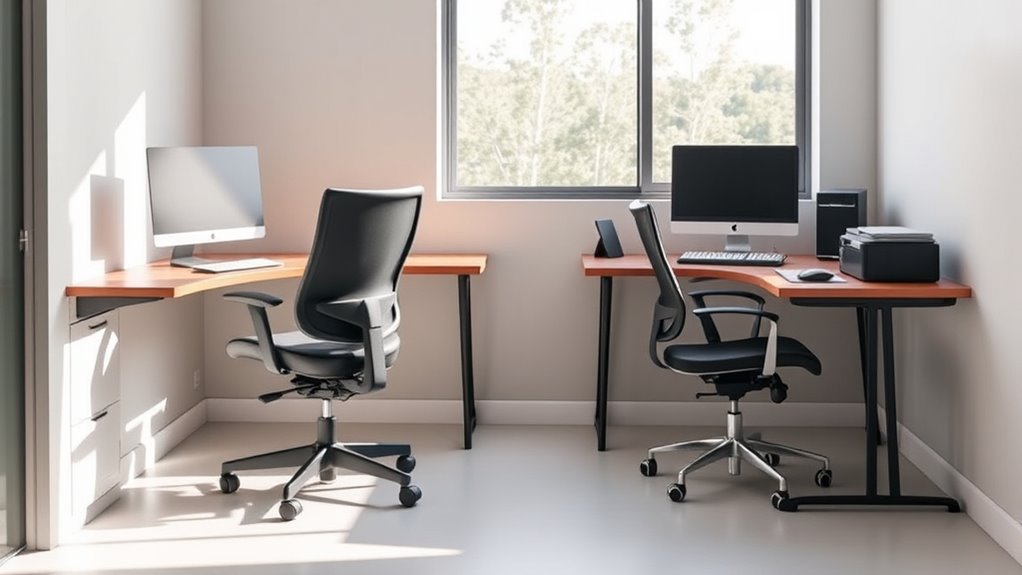
Many people assume ergonomic setups are only essential if you already experience back pain, but this isn’t the case. Proper ergonomics help prevent discomfort and promote better office aesthetics and productivity. Even if you’re feeling fine, neglecting desk organization and setup can lead to issues later. An ergonomic workspace benefits everyone by reducing strain and supporting good posture.
Consider these points:
- A well-organized desk minimizes clutter, making your workspace more inviting.
- Ergonomic tools like adjustable chairs and monitor stands improve posture.
- Consistent desk organization encourages better habits, preventing discomfort before it starts.
Investing in ergonomic setup today can save you discomfort tomorrow, regardless of your current back health. It’s about proactive comfort and a professional look.
More Ergonomic Features Always Lead to Increased Comfort
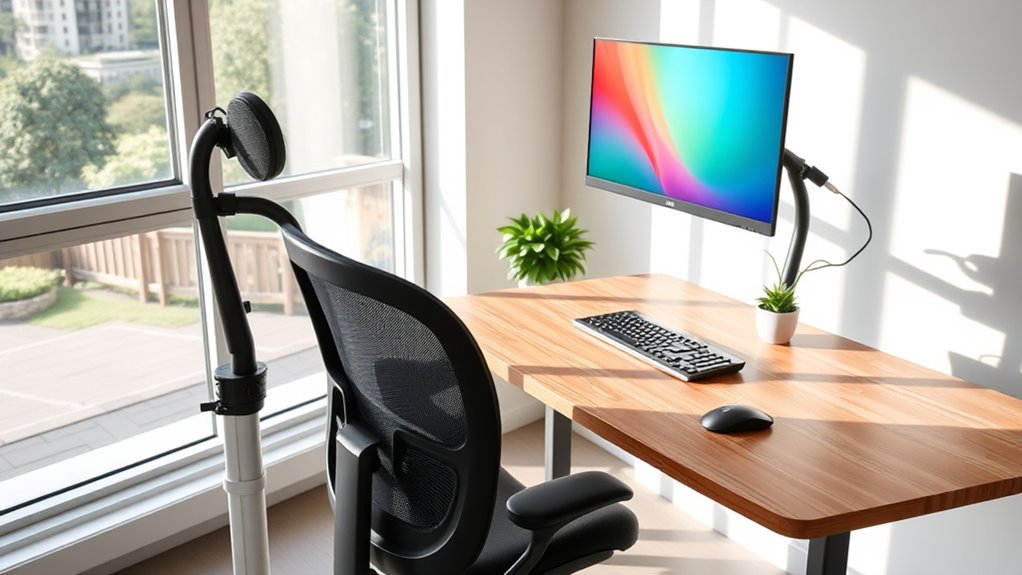
Adding more ergonomic features to your workspace doesn’t automatically guarantee greater comfort. While desk accessories like adjustable keyboard trays or lumbar supports can help, they only work if properly used and suited to your needs. Believing that more ergonomic gadgets always mean better comfort is an ergonomic myth. Overloading your setup with features can cause clutter or distraction, reducing overall comfort and productivity. Instead, focus on selecting a few well-designed, adjustable items that fit your body and work style. Remember, comfort depends on proper positioning and personalized adjustments, not just the number of ergonomic features present. Prioritize quality and fit over quantity to truly enhance your workspace’s comfort and avoid falling into the trap of ergonomic myths.
Frequently Asked Questions
Can Ergonomic Setups Prevent All Types of Workplace Injuries?
Ergonomic setups can’t prevent all workplace injuries, but they considerably reduce the risk. Many ergonomic myths suggest perfect setups eliminate injury, but that’s not true. Proper ergonomic design promotes injury prevention by minimizing strain and discomfort, yet accidents and other factors can still cause injuries. You should regularly assess your workspace, stay active, and follow safety guidelines to maximize injury prevention. Remember, ergonomics is a helpful tool, not a guarantee against all harm.
Is There a Specific Brand or Model That Guarantees Ergonomic Benefits?
There’s no specific brand or model that guarantees ergonomic benefits because brand myths often suggest otherwise, and every model has limitations. You should focus on choosing adjustable furniture that fits your body and workspace, rather than relying solely on a brand name. Prioritize proper setup, good posture, and regular breaks to truly improve ergonomics. Remember, personalized adjustments are key to maximizing comfort and reducing strain.
How Often Should I Adjust My Ergonomic Workstation for Optimal Comfort?
Think of your workspace as a delicate dance—timing is everything. You should adjust your ergonomic workstation every 30 to 60 minutes to stay in perfect sync. This keeps your posture awareness sharp and prevents strain. Regular equipment maintenance, like tightening screws or repositioning your monitor, guarantees your setup remains supportive. By staying attentive and making these small adjustments, you keep your comfort level high and your body in harmony.
Do Ergonomic Principles Vary for Different Body Types and Sizes?
Yes, ergonomic principles vary for different body types and sizes. You should focus on personalized adjustments to your workspace to guarantee comfort and prevent strain. Body-specific designs help accommodate your unique height, limb length, and posture needs. By customizing your chair height, monitor position, and keyboard placement, you create an ergonomic setup tailored to you, which can reduce discomfort and improve productivity. Always listen to your body’s signals and adjust accordingly.
Are Ergonomic Accessories Necessary for Short-Term or Occasional Desk Workers?
Did you know that 70% of desk workers experience discomfort during the day? If you’re only working short-term or occasionally at a desk, ergonomic accessories might not seem essential. While they offer short-term benefits like improved comfort and reduced strain, consider cost considerations before investing. For occasional use, simple adjustments like proper chair height or supportive cushions can provide relief without extra expenses, making ergonomic accessories a practical choice when needed.
Conclusion
Now that you’ve uncovered the truths behind ergonomic setups, are you truly ready to optimize your workspace? Remember, it’s not just about following the rules—it’s about discovering what works best for you. Small changes can make a big difference, but some secrets remain hidden. Will you take the next step to create a healthier, more comfortable environment? The choice is yours—dive deeper and open the full potential of your workspace today.